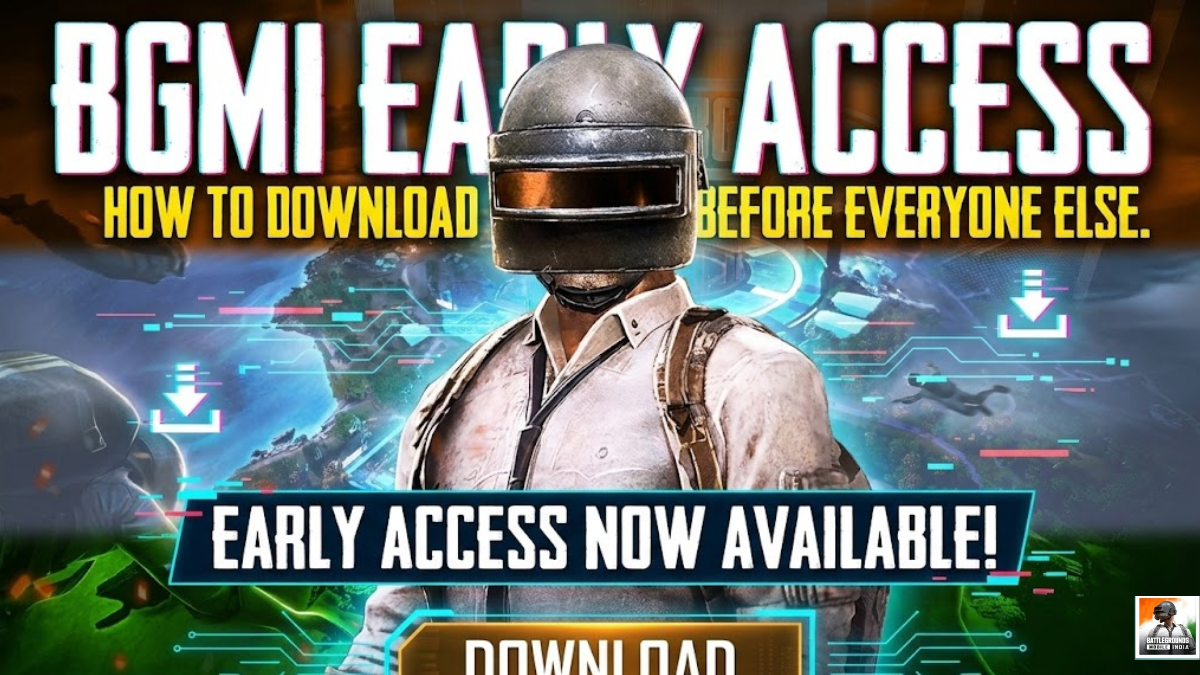
Impatient for the next big update? Here is your survival guide to joining the beta testing battleground.
Let’s be real for a second. Is there anything worse in the gaming world than watching your favorite streamer tear it up on a brand-new BGMI map, while your phone is still stuck on the old version?
Waiting for the official global rollout of a major update is agonizing. You want that new gun, that new vehicle, and that new mode now, not next week.
If you want to jump the queue and get bragging rights among your squad, you need to get into the Early Access (Beta) program. It’s the VIP entrance to the new content.
But how do you get in? It’s not always straightforward. Here is the practical, no-nonsense guide to downloading the BGMI beta before the masses.
The “Golden Ticket” Method: The Google Play Store Beta Program
This is the official, safest, and easiest way to get early access. Krafton (the developers) opens up a specific number of slots for testers directly through the Play Store.
How it works: If you get into this program, your regular BGMI app will receive a special update that turns it into the Beta version. No weird files, no shady downloads.
The Steps:
- Open the Google Play Store on your Android device.
- Search for “Battlegrounds Mobile India” and open the official app page.
- Scroll down past the description and the screenshots. Keep going.
- Look for a section titled “Join the beta” with a beaker icon.
- If you see a green button that says “Join,” smash it immediately. You’ve just won the lottery.
- Wait a few minutes, and an “Update” button should appear at the top of the page.
The Harsh Reality Check: 95% of the time, you will scroll down and see a depressing message: “The beta program for this app is currently full.”
These slots fill up within minutes of Krafton announcing them on social media. You have to be incredibly lucky or incredibly fast. If it’s full, don’t panic. We have Plan B.
Plan B: The Sideload Route (Downloading APKs Safely)
If the Play Store is full, your only other option is to manually download the Beta installation files (the APK).
⚠️ STOP! READ THIS WARNING FIRST ⚠️
This is where things get risky. The internet is full of fake “BGMI Beta” links that are actually malware, viruses, or modified versions that will get your main account permanently banned. Krafton has zero tolerance for unofficial or modified clients.
Do NOT just Google “BGMI Beta APK” and click the first link. Do NOT download from sketchy sites that pop up with fifty ads promising you “unlimited UC.”
How to do it SAFELY:
If you are going to go this route, you must only use trusted sources that host the official, untouched beta APK released by the developers.
Install the app. Note: The Beta is usually a separate app from your main BGMI game. You’ll have two icons.
Reputable APK Mirrors: Sites like APKMirror or reputable alternative app stores like TapTap are generally considered safe. They usually verify the files aren’t tampered with.
Official Channels: Sometimes, BGMI influencers or official Discord/Telegram channels will provide a direct download link. Only verify these links through their official social media pages first.
The Process:
Download the APK file to your phone.
When you try to open it, your phone will yell at you that it’s a security risk. You will need to go into settings and “Allow installation from unknown sources” for your browser or file manager.
A Final Word on the Beta Experience
Congratulations, you’re in! But before you drop into Erangel, manage your expectations.
It is called a “Beta” for a reason. It is unfinished.
- You will find bugs.
- The game might crash randomly.
- Your ping might be higher than usual.
- You usually cannot use your main account login; you’ll likely have to play as a “Guest.”
The point of the beta is to help the developers find glitches before the real launch. So, enjoy the early sneak peek, but don’t get frustrated if it’s not a perfect experience.
See you on the (very buggy) battleground, soldier!